
Business software, email & printer help in Norfolk, NE
Email will not send, a printer has disappeared or an application is interrupting the workday? I help investigate the problem, configure the equipment and discuss the next step with you directly.
Applications and business email
I troubleshoot business applications, email problems, Windows issues and software configuration. This includes help with Microsoft 365, OneDrive and other tools people use to access documents, communicate and complete everyday work.
Tell me which application is affected, any error message and whether the issue happens for one person or several. A connection, account or computer problem can look like an application fault, so I consider the surrounding setup as well.
- Email that will not send or receive as expected
- Microsoft 365, OneDrive or sign-in problems
- Software that crashes, stops opening or needs configuration
- Applications that need installing on replacement equipment
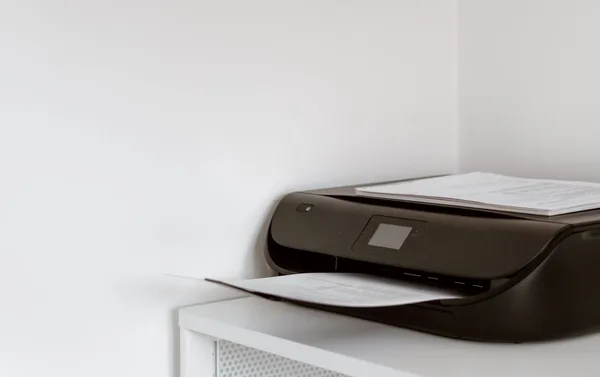
Printers, scanners and connected devices
Printer installation and connection troubleshooting are part of my previous business work. I also configure monitors, card readers and other peripherals that a workstation needs to use.
A device that stops working may involve the computer, driver, connection or equipment itself. Share the model, how it is connected and whether other users can still use it. I’ll discuss whether setup, troubleshooting or another approach is appropriate.
Software problems after a change or security incident
A replacement computer, application update or account change can alter how everyday tools behave. I help investigate settings and requirements rather than assume the application itself needs replacing.
I also have experience troubleshooting compromised computers and security incidents. Let me know if suspicious activity may be involved, whether other users are affected, and whether an application or account is managed by another provider. Recovery or access may require the provider’s own process.
Arrange help around the actual job
Some software tasks can be suitable for an arranged remote session; installations, device work and certain faults need an in-person approach. I’ll discuss the equipment, access requirements, scope and cost before beginning.
Use the same service form as any other inquiry. Include the business location, the program or device, what changed and how the problem affects daily operations. Don’t include passwords, customer data, verification codes or private documents.
Common questions
Can you install software and printers on a new workstation?
Yes. Describe the applications, licenses and connected devices involved. A replacement can require installation and account access as well as a file transfer.
Can you help with software remotely?
Some software and configuration tasks may suit an arranged remote session. I’ll discuss the issue, available access and any provider requirements before confirming the approach.